Window capture works on Omarchy.
The installed SnapDog Linux build now selects a real window, saves its pixels cleanly, and opens the result in the editor. We checked the image itself on the test machine.
A real desktop result
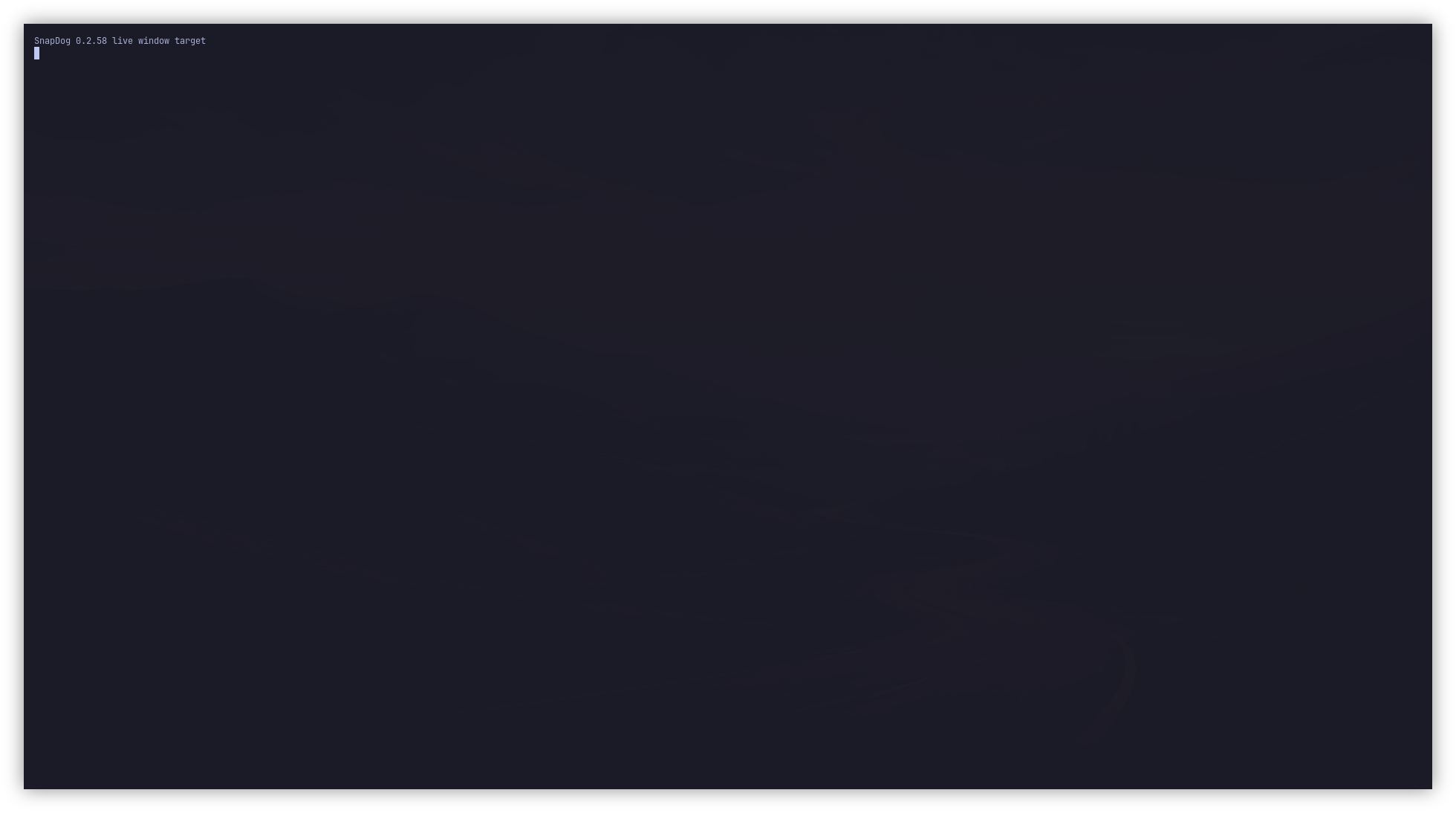
From the SnapDog command panel in TigerVNC, we chose Capture Window and clicked a terminal labeled “SnapDog 0.2.58 live window target.” The installed app saved a 250,640-byte PNG and opened it in the editor. We decoded the file and inspected its pixels: the terminal text is present, and neither the picker nor the command menu appears in the image.
The 1960 × 1094 output includes SnapDog’s window shadow around the selected 1896 × 1030 window. This is a live pass on the single-monitor Omarchy test host, not a claim about every Linux desktop.
What the installed build has passed
Capture and edit
Fullscreen, region, and window capture; editor Save and Copy; History thumbnails and reopening a saved image.
Screen recording
The Record and Stop controls produced a 26.5-second H.264 movie. We decoded and inspected a later frame.
Arch 0.2.58
The Omarchy package passed installed smoke, 111 Linux tests, and a package check covering 35 files with none altered.
Why it took another fix
Hyprland first tiled the window picker beside the target, leaving half the desktop outside its clickable surface. Making the picker fullscreen fixed selection. Saving a fresh screenshot immediately afterward still caught the picker’s closing animation, so the app now crops from the desktop frame frozen before the picker appeared. A longer wait after hiding the menu removed its fade from that frame.
DEB, RPM, and Arch packages for 0.2.58 have passed archive checks. Arch is the package installed and tested on Omarchy; DEB and RPM still need live installs on their own distributions. The host had no camera device, and physical hotkey delivery was not confirmed during this test.
The Mac App Store release is a separate macOS product. Linux 0.2.58 is a development build, and this page reports only the host checks we observed.
See the update in the changelog